How to Fix Chia "Connecting to wallet" problem

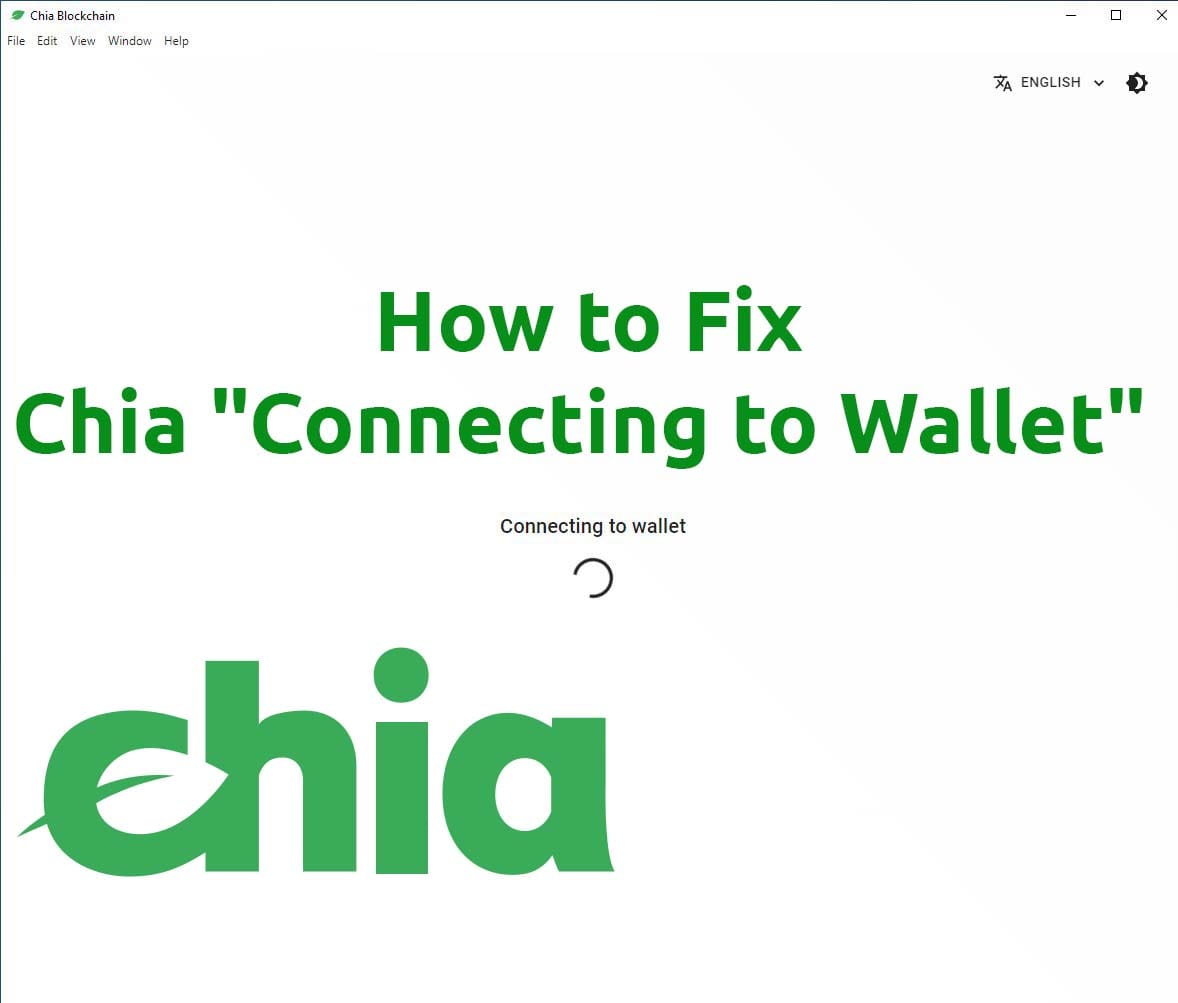
In this article i will show how to easy fix Chila “Connecting to wallet” problem in Windows.
Sometimes afters unscheduled restart Chia wallet database file can get corrupted, and wallet can’t be opened.
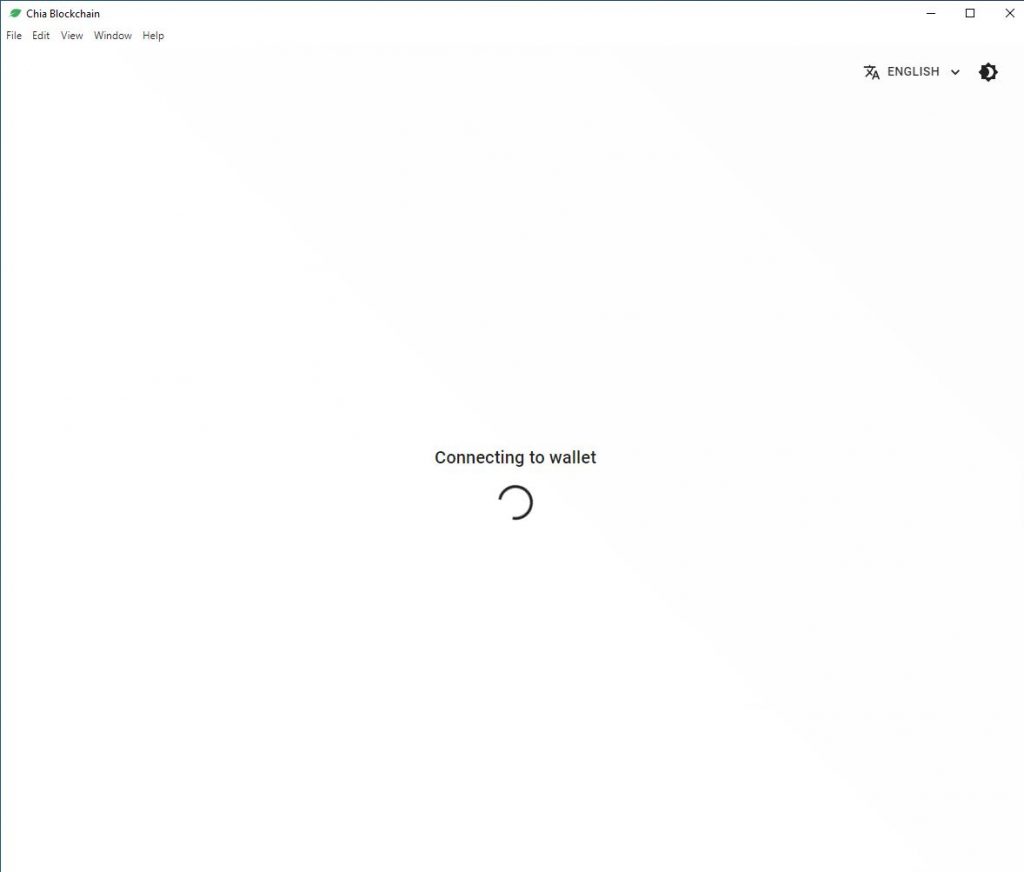
To fix that wee need delete wallet database file.
Fix Chia “Connecting to wallet problem in Windows 10:
- Close Chia Wallet
Close the Chia wallet or exit
- Kill Chia process
Kill all Chia processes from “Task Manager”
- Delete Chia wallet database
Navigate to: C:\Users\YourUserName\.chia\mainnet\db
Delete all bolockchain* files.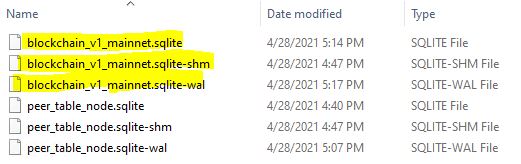
Re-open wallet.
That’s it!
Discuss article in ArsTech Forum
If you like what you are reading, please:
 Buy me a coffee