Check Disk Speed in Linux From Terminal. How To

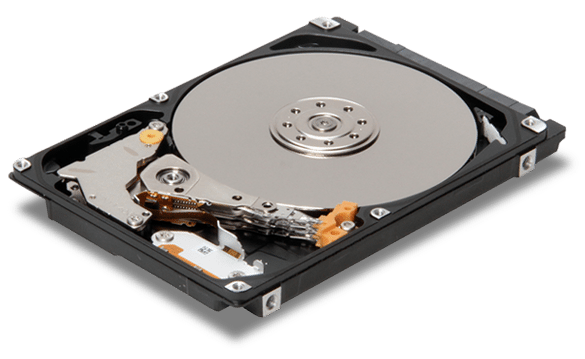
In this article you will learn how to check disk speed in Linux from terminal.
We can check Linux disk (HDD or SSD) I/O performance with hdparm command.
Hdparm is a command line utility for Linux to set and view ATA hard disk drive hardware parameters and test performance.
Hdparm Install CentOS / RedHat
$ sudo yum install hdparm -y
Hdparm Install Ubuntu / Debian
$ sudo apt-get install hdparm
Hdparm Usage examples
hdparm with -I option will display information about hard drive
$ hdparm -I /dev/sda
Display all the options:
$ hdparm -h
Hdparm Speed Test
hdparm -Tt /dev/sda will measure show buffered and cached disk read speed.
$ sudo hdparm -Tt /dev/sda
Example output:
/dev/sda: Timing cached reads: 17678 MB in 2.00 seconds = 8850.51 MB/sec Timing buffered disk reads: 1044 MB in 3.00 seconds = 347.94 MB/sec

Read also: Internet speed test Linux command line
If you like what you are reading, please:
 Buy me a coffee