Windows 10 Hosts File Location

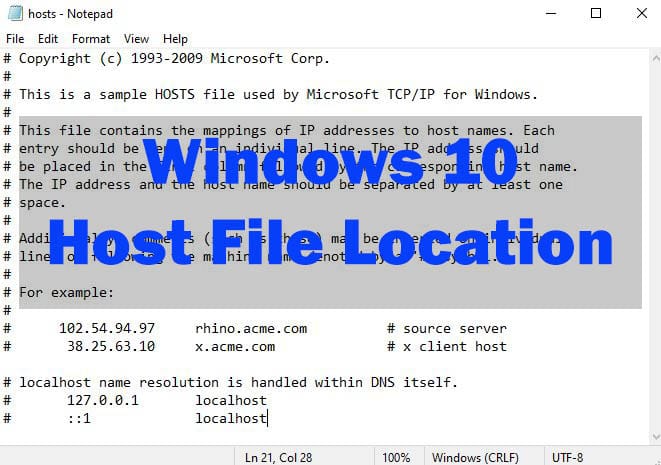
Windows 10 Hosts File Location
What is Hosts file in Windows 10
The Windows (Linux) file hosts is an operating system file that maps hostnames to IP addresses. It is a plain text file. The hosts file remains an alternative name resolution mechanism.
Host file location Windows 10
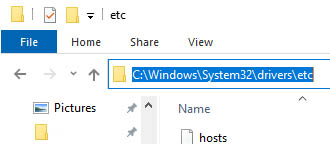
Windows 10 host file located in folder:
C:\Windows\System32\drivers\etc
How to edit hosts file in Windows 10
If you need edit the hosts file file you mus have administrative privileges.
To edit (modify) hosts file:
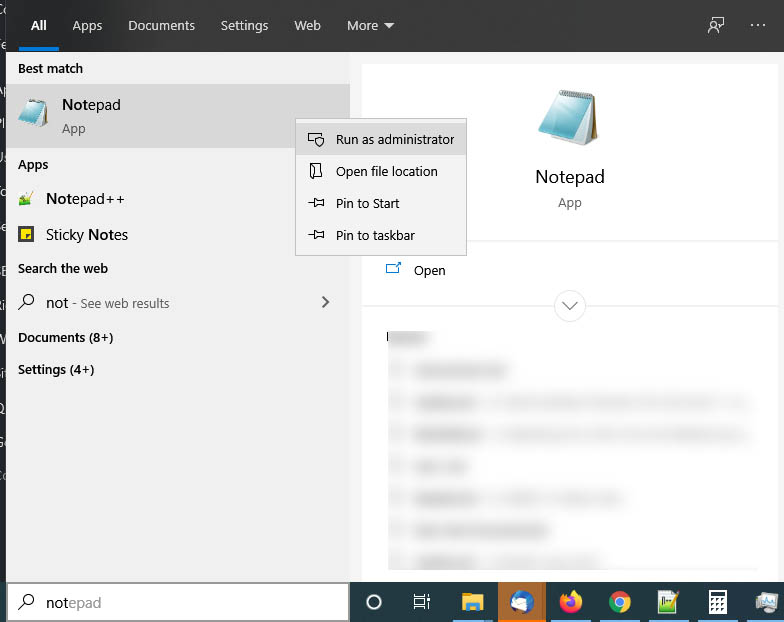
- Click Windows button
- And type notepad in search bar
- Make right mouse click on Notepad and then chose Run as Administrator in menu
- You will asked: “Do you want to allow this app to make changes to your device?”
- Press Yes
- Then in notepad File -> Open and navigate C:\Windows\System32\drivers\etc
Windows hosts file example
localhost name resolution is handled within DNS itself.
127.0.0.1 localhost
::1 localhost

102.54.94.97 rhino.acme.com # source server
38.25.63.10 x.acme.com # x client host