Record Android Device Screen

Record Android Device’s Screen With the Android SDK and ADB
To start screen recording you’ll need the Android SDK command line ADB utility allows you to initiate screen recording over a USB connection.
You’ll also need USB debugging enabled on your device and USB debug cable connected to your device.
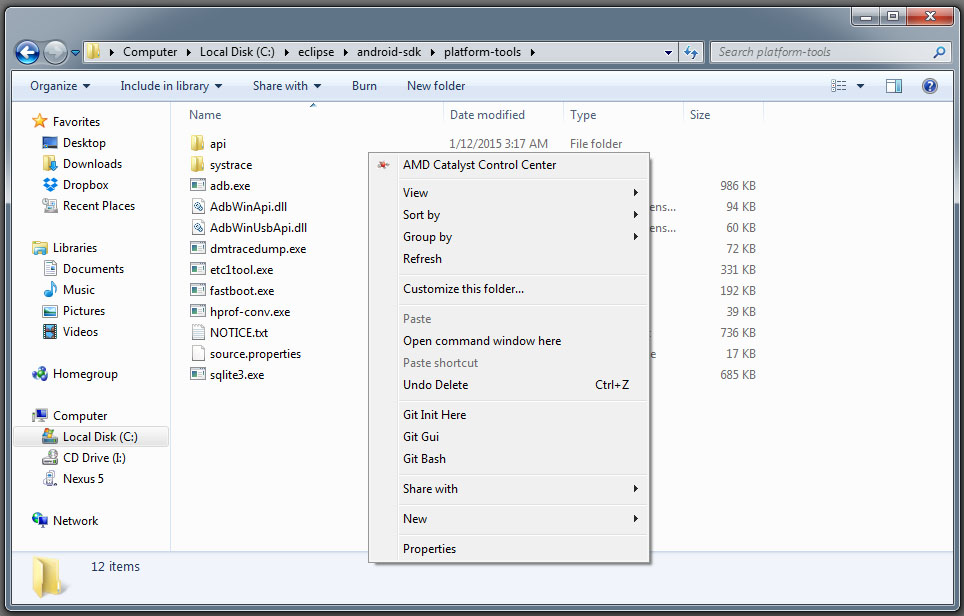
Goto sdkplatform-tools folder. Hold Shift, right-click inside the folder, and select Open command window here.
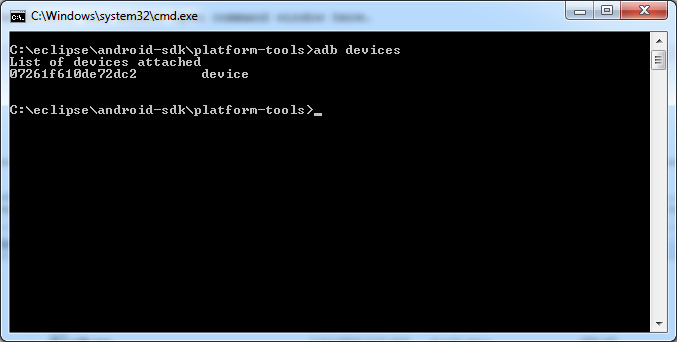
Run following command:
adb devices
To start recording device screen, run the following command:
adb shell screenrecord /sdcard/video.mp4
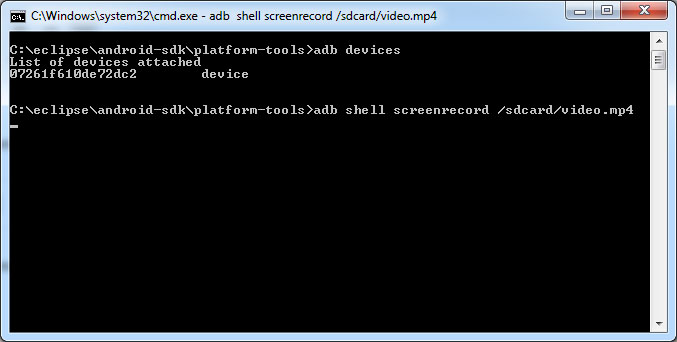
When you’re done recording, press Ctrl+C in the Command Prompt window.
You can find the screen recording file video.mp4 saved in your device internal storage.
For more information about the command-line options you can run the following command:
adb shell screenrecord –help