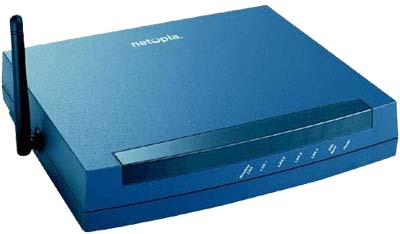
How to Configure Motorola Netopia 3000 port forwarding, SIP ALG
First we need configure Port forwarding:
Login to WEB GUI:
http://192.168.1.254
 Configure -> Advanced -> Pinholes
 for SIP UDP transport
 Protocol: UDP
 External: Port Start 5060
 External: Port Start 5080
 Internal: IP Address:
 Internal: port 5060
for SIP TCP transport
 Protocol: TCP
 External: Port Start 5060
 External: Port Start 5080
 Internal: IP Address:
 Internal: port 5060
for RTP
 Protocol: UPD
 External: Port Start 10000
 External: Port Start 20000
 Internal: IP Address: 10000
 Internal: port 5060
Then disable SIP ALG:
 Telnet 192.168.1.254
 At this prompt, type "config" (without quotes) and press ENTER
 type "set ip sip-passthrough off" and press ENTER again
 Now type "quit" and press ENTER
 press "y" for save configuration, then restart router